Novakrift Classic v1.2.0
(Shopify Online Store 2.0)
Audience: Shopify Merchants & Frontend Developers
Status: 100% Tested & Verified
Last Verified: October 31, 2026
Merchandising with Editorial Variety
Rather than presenting repetitive rows of identical product grids, Novakrift provides dynamic layout modules that keep customers engaged while exploring deep seasonal catalogs.
1. Tabbed Trending Showcase
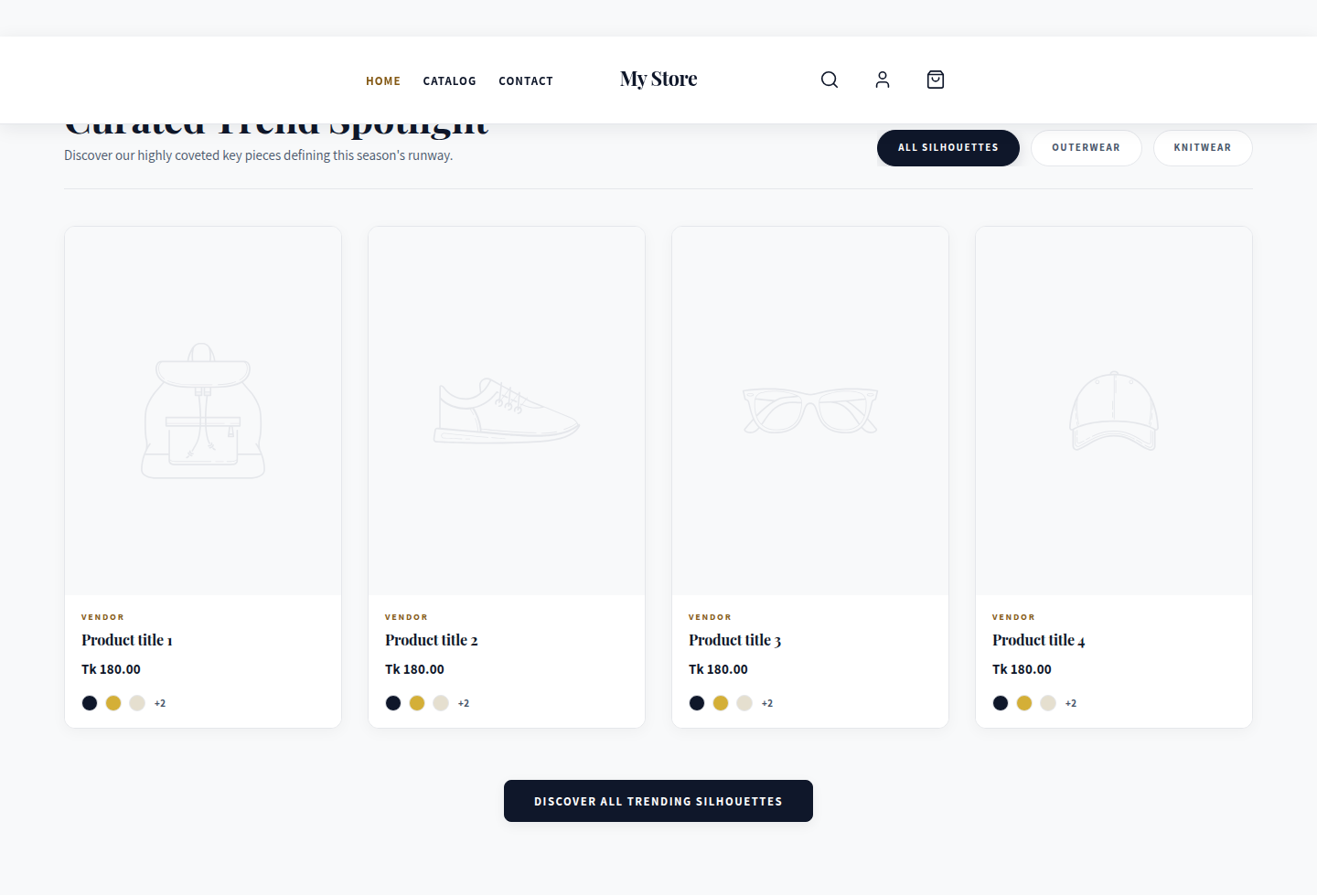
(tabbed-trending.liquid)
Allows shoppers to switch between different featured collections (e.g., Outerwear, Knitwear, Footwear, Leather Goods) instantly via clean tabs without triggering full page reloads.
How to Set Up:
- In the Shopify Customizer, click Add section → Tabbed Trending Showcase.
- Click Add block → Collection tab.
- Tab Name: Enter your tab title (e.g., Cashmere Outerwear).
- Collection: Select the corresponding Shopify collection.
- Repeat to add 3 to 5 collection tabs.
- Grid Settings: Configure desktop columns (choose 3 or 4 columns) and product limits (recommended: 4 to 8 products per tab).
2. Editorial Spotlight Grid
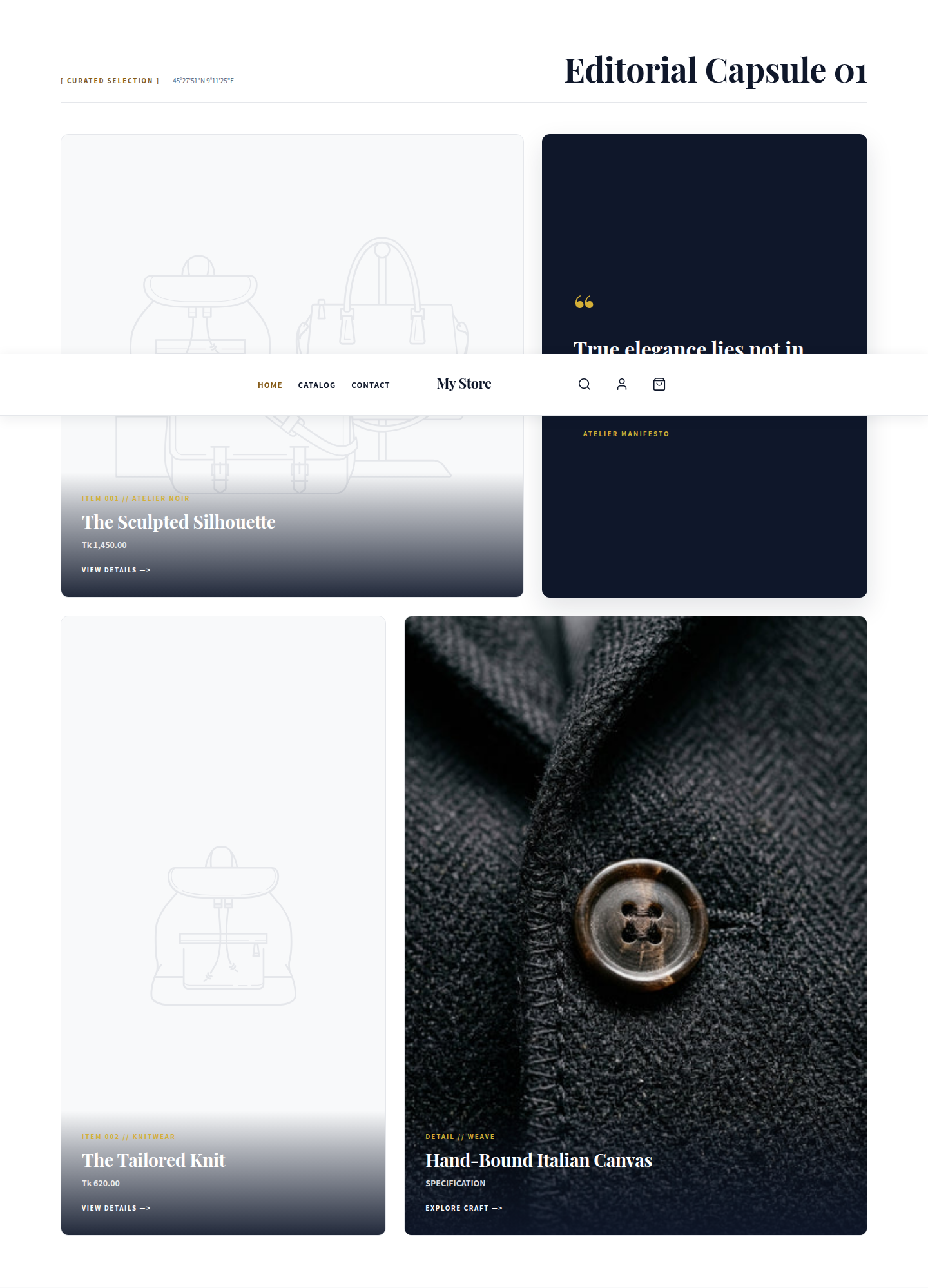
(editorial-spotlight-grid.liquid)
An asymmetrical magazine grid layout that pairs high-ticket signature pieces with brand storytelling:
- Oversized Primary Portrait: Showcases your runway flagship item with monospace atelier inventory code.
- Centered Brand Manifesto Card: Features an elegant quotation glyph, brand manifesto excerpt, and creative director signature.
- Secondary Product Portrait Cards: Flanks the manifesto with complementary collection pieces.
How to Configure:
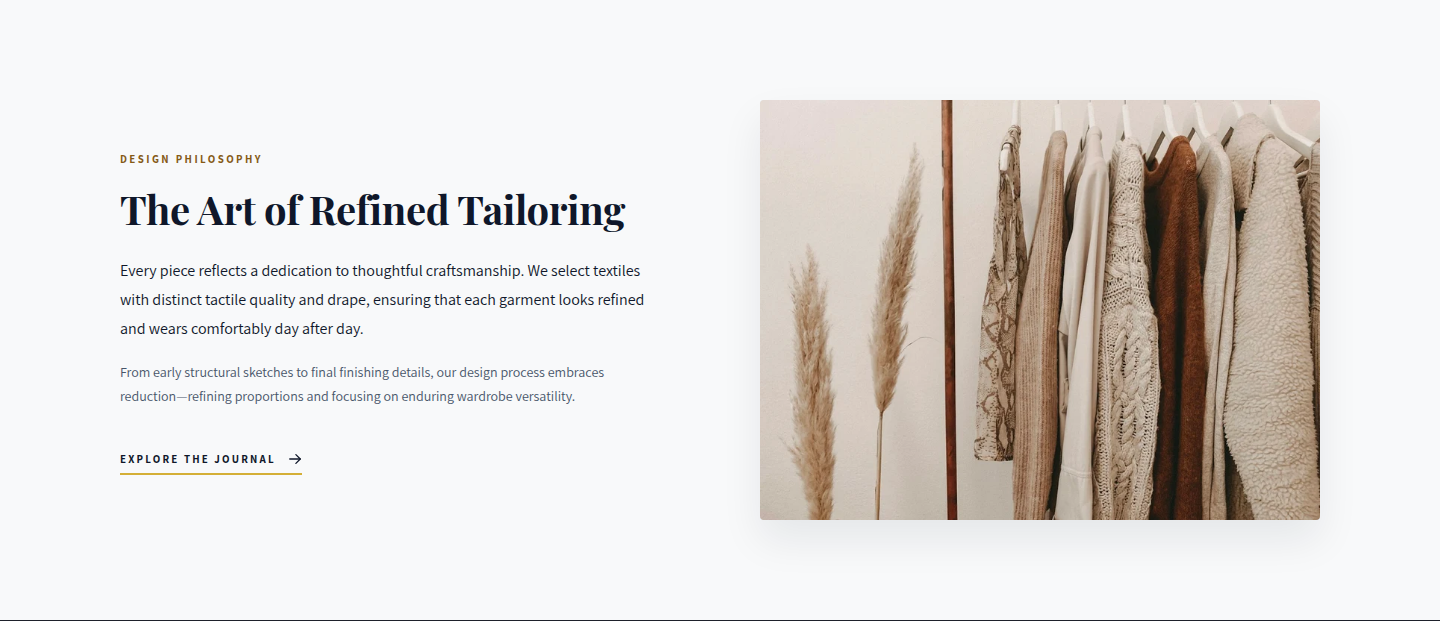
- Click Add section → Editorial Spotlight Grid.
- Select your Primary Featured Product and upload a dedicated editorial campaign portrait.
- Enter the Manifesto Quote (e.g., "True luxury whispers through the drape of the fabric and the restraint of the line.").
- Enter the Author / Signature (e.g., Creative Director, Novakrift Atelier).
- Assign the secondary companion products and save.