Novakrift Classic v1.2.0
(Shopify Online Store 2.0)
Audience: Shopify Merchants & Frontend Developers
Status: 100% Tested & Verified
Last Verified: October 31, 2026
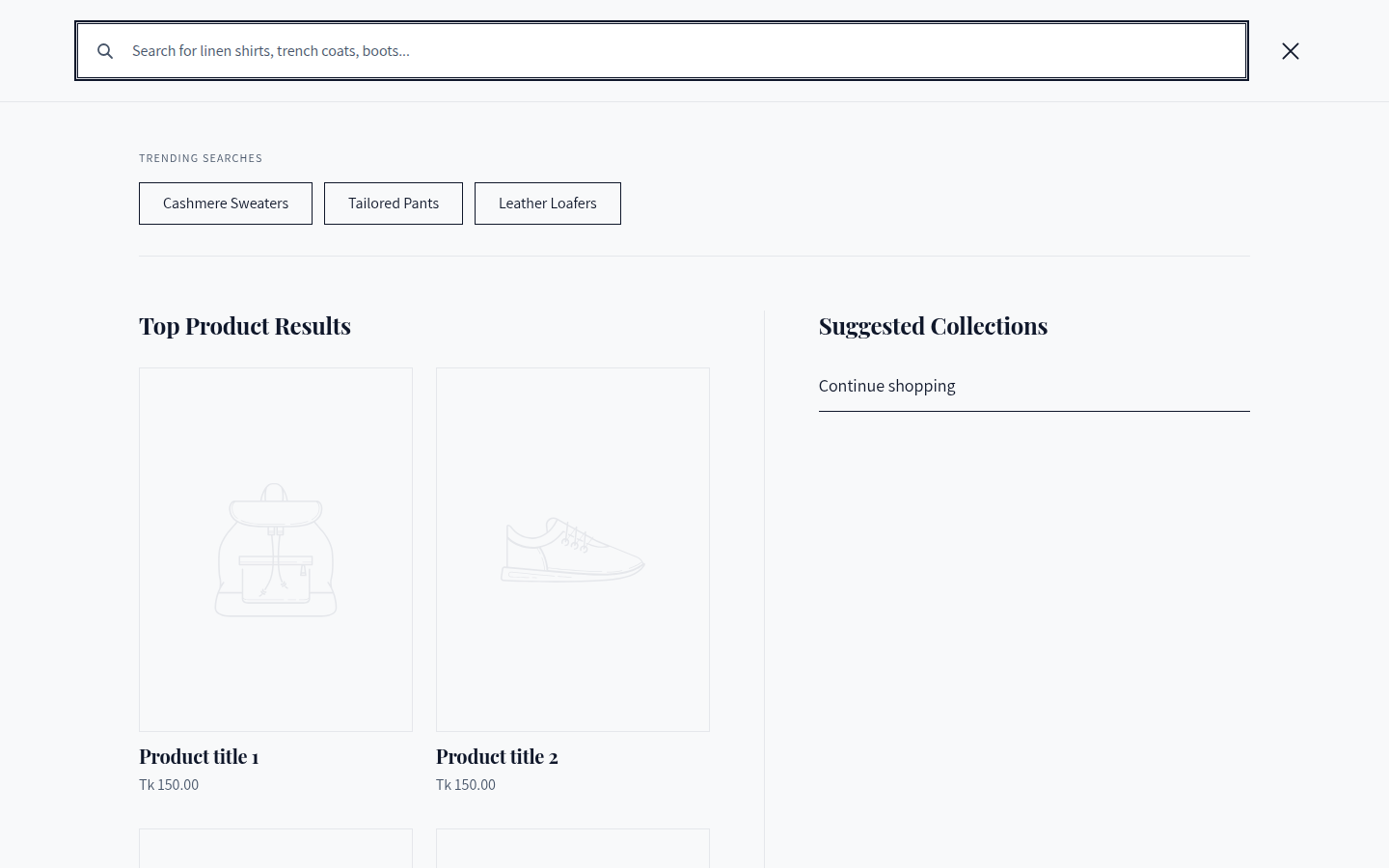
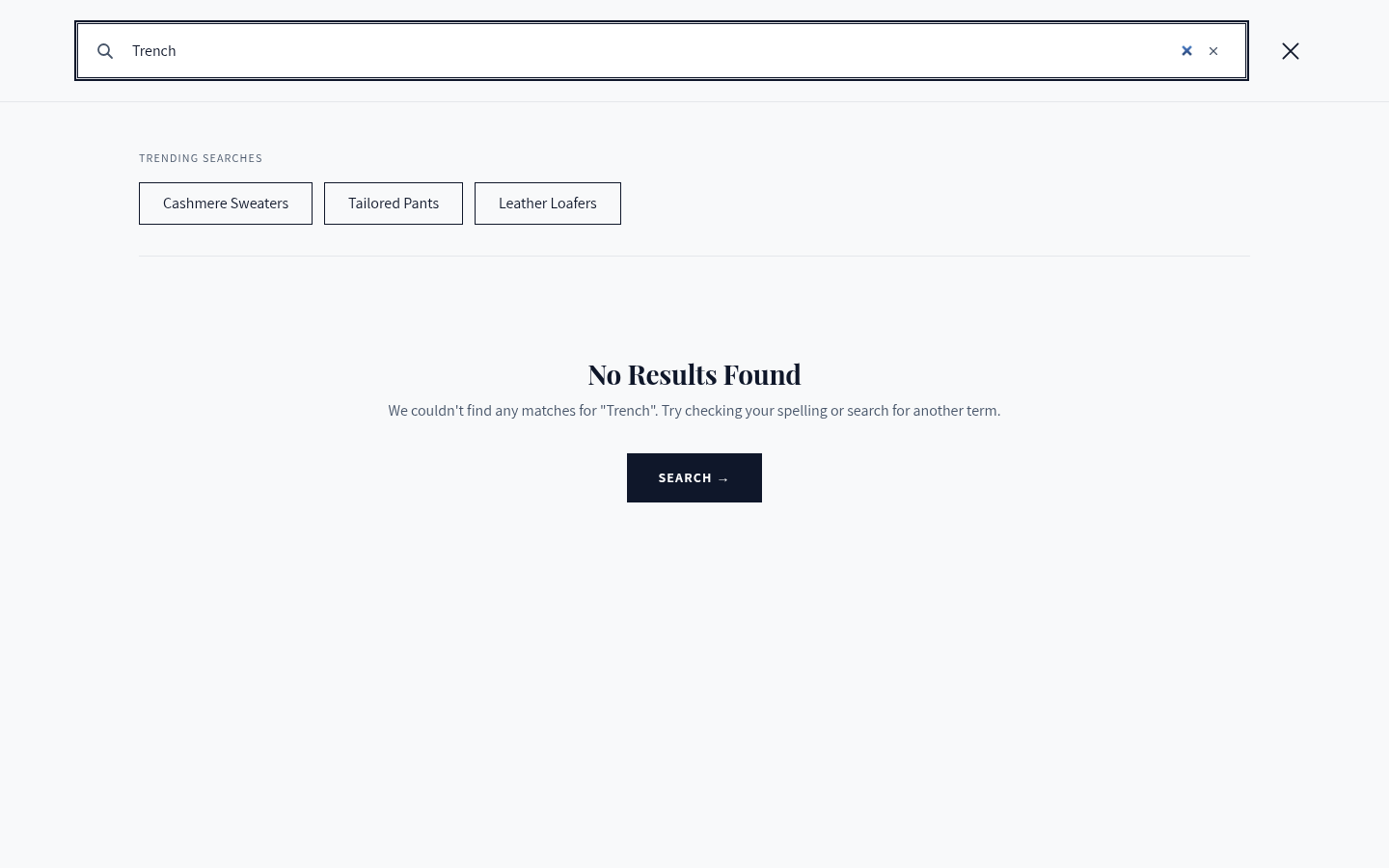
Architectural 3-Column Predictive Search
Novakrift replaces outdated, clunky search popups with an architectural, full-screen live predictive search drawer. Built entirely using native Web Components and Shopify's Section Rendering API, search queries return instant, debounced results categorized into three distinct visual columns.
The 3 Result Panes
- Products Pane: Renders responsive product thumbnails, vendor tags, live prices, and sale badges with zero layout shifts.
- Curated Collections Pane: Suggests relevant category archives and thematic edits matching the merchant's query.
- Journal & Editorial Pane: Surfaces relevant atelier stories, craftsmanship guides, and setup articles.
Key Features & UX Innovations
- Global Keyboard Shortcut: Customers can press
Cmd + K(Mac),Ctrl + K(Windows), or forward slash (/) anywhere on the storefront to open the search modal instantly without touching their mouse. - Pre-Search Trending Chips: Displays one-click trending suggestion tags (e.g. Cashmere Overcoats, Tailored Trousers, Silk Scarves, Leather Loafers) before the user starts typing.
- Recent Query Memory: Caches recent searches locally in the customer's browser for effortless revisit.
- Accessible Screen Reader Support: Full ARIA live region (
aria-live="polite") announces result counts to assistive devices.
How to Configure in Shopify Theme Editor
- Open Shopify Admin → Online Store → Themes → Customize.
- Click the Theme settings (gear icon) in the left toolbar and open Predictive Search.
- Configure the search preferences:
- Enable predictive search: Ensure this toggle is active.
- Show vendor: Display brand / atelier names above product titles.
- Show price: Toggle visibility of currency-formatted pricing in search results.
- Result limits: Set maximum items returned per column (recommended: 4 products, 3 collections, 3 journal articles).
- Trending search keywords: Enter comma-separated search terms for the instant chips (e.g. Silk Blouse, Trench Coat, Evening Wear, Velvet Loafers).
- Click Save and test by pressing
Cmd+Kin the storefront preview.
Developer Implementation Notes
- Section File:
sections/predictive-search.liquid - Web Component:
assets/predictive-search.js. - Shopify API Endpoint: Queries
/search/suggest?q=QUERY&resources[type]=product,collection,article,page§ion_id=predictive-search. - Debounce: Keystroke input is throttled at 250ms to minimize network requests while maintaining instant feedback.